
Close more deals by showing clients exactly how you’ll deliver
When clients see clear stages, deadlines, and live progress before work even starts, they trust you more. GCH helps you win more projects.
2 active projects free forever · No credit card · Live in under 3 minutes
Harvard Business School research
When clients can see the work, they trust you more
When clients can see the work happening, their trust in the contractor increases — and the likelihood of closing the deal goes up.
Clients rarely feel the effort happening behind the scenes. They see the price, the promises, and the final result. Operational transparency changes that. Edelman Trust Barometer and ISM studies confirm the same principle.
88%
of consumers say transparency is the top factor in building trust with a service provider
87%
of clients are willing to pay more for a contractor they fully trust and whose process they understand
+10–20%
higher chance of closing the deal with a transparent process
95%
of competitors only make verbal promises. You stand out by showing a live project plan
Show clients the Live Board at the estimate or measurement stage — and you immediately separate yourself from the competition.
The problem
Your clients can’t see the work. So they keep asking about it.
You know what’s happening on the job. Your clients don’t.
Every call pulls you away from the work that actually makes money. Clients get anxious, deadlines slip, and payments get delayed.
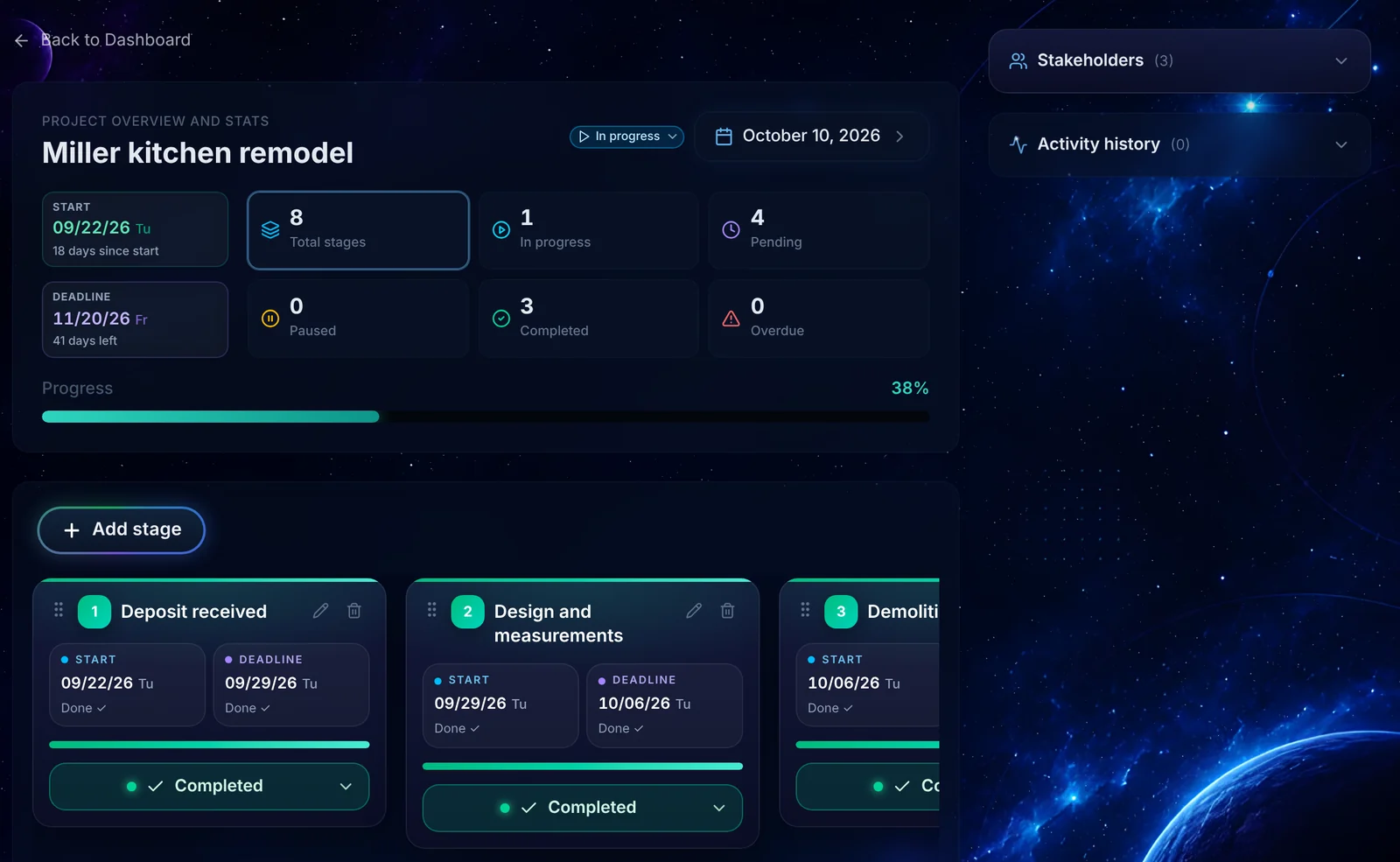
Give every project one clear source of truth — a live board with stages, statuses, and deadlines.
Less explaining. More building.

The GCH advantage
One clear process — from the first conversation to the final walkthrough
Win Trust Before the Job Starts
Show potential clients a clear roadmap: from estimate to final payment. They immediately see how you work.
Keep Everyone on the Same Page
Clients, crew, subcontractors, and partners all see the same stages, deadlines, and progress.
Spend Less Time Explaining
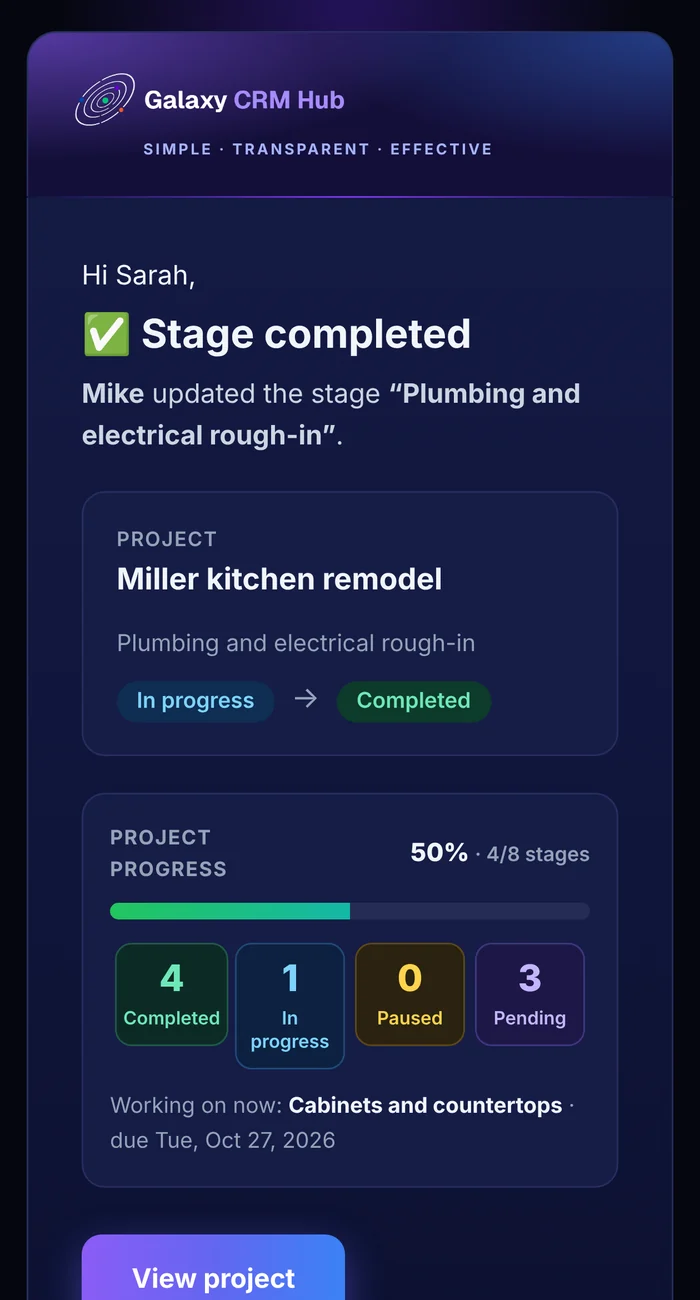
Automatic email updates and the live board answer most questions before the client even calls. Emails show simple stats — how many stages are done and how many are in progress — without revealing private details.
Foundations
Three foundations. One goal.
Simple
Nothing you don’t need. No setup, no learning curve. You see it, you get it.
Transparent
Clients, crew, and partners always know what’s done, what’s in progress, and what’s next.
Affordable
2 active projects free forever. Need more? $2 per project for 30 days.
How it works
Your first live project in 3 steps
Launch takes less than 3 minutes:
- Sign in with Google— 30 seconds
- Create project + add stages— 30 seconds
- Invite stakeholders— 1 minute
 01
01Create Your Project
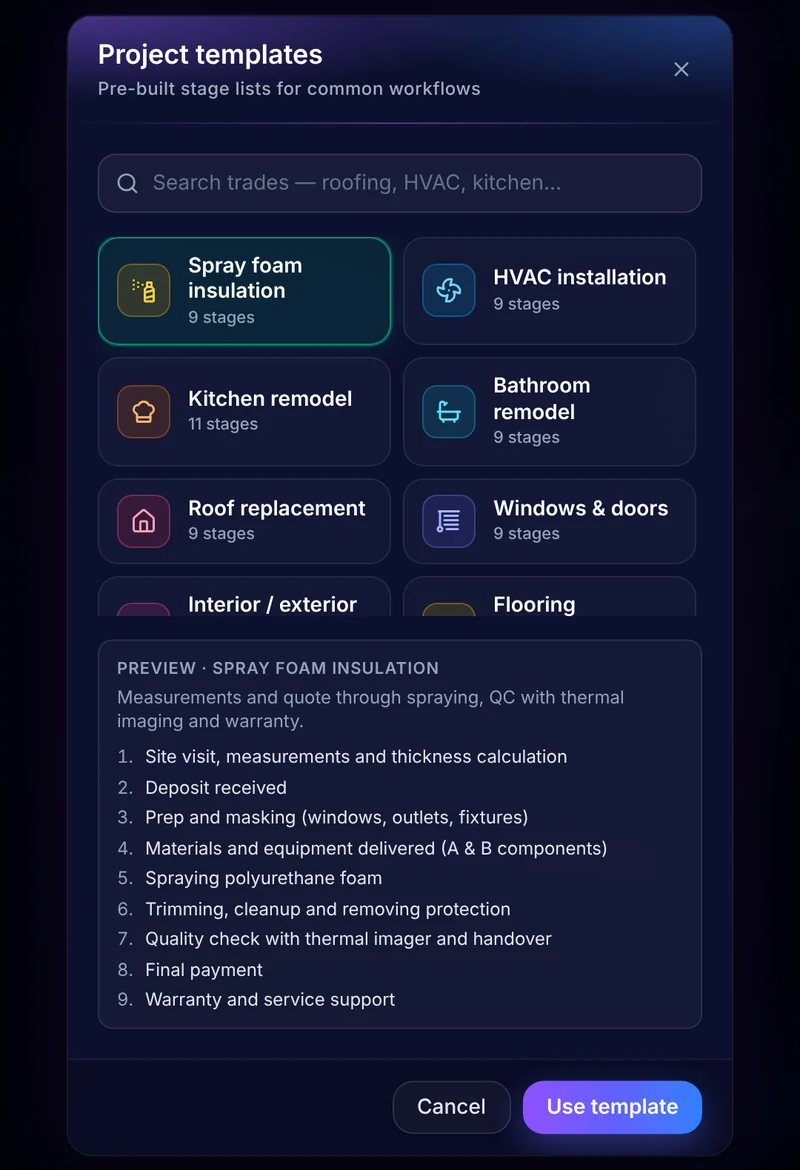
Choose from 16 trade-specific templates or start from scratch.
 02
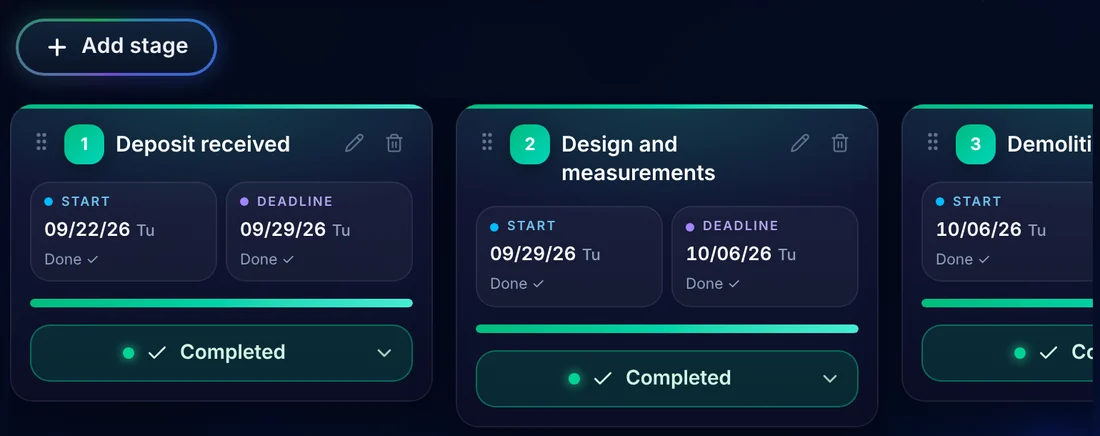
02Define the Stages
Break the job into clear milestones: deposit, demo, rough-in, installation, final payment. Add deadlines.
 03
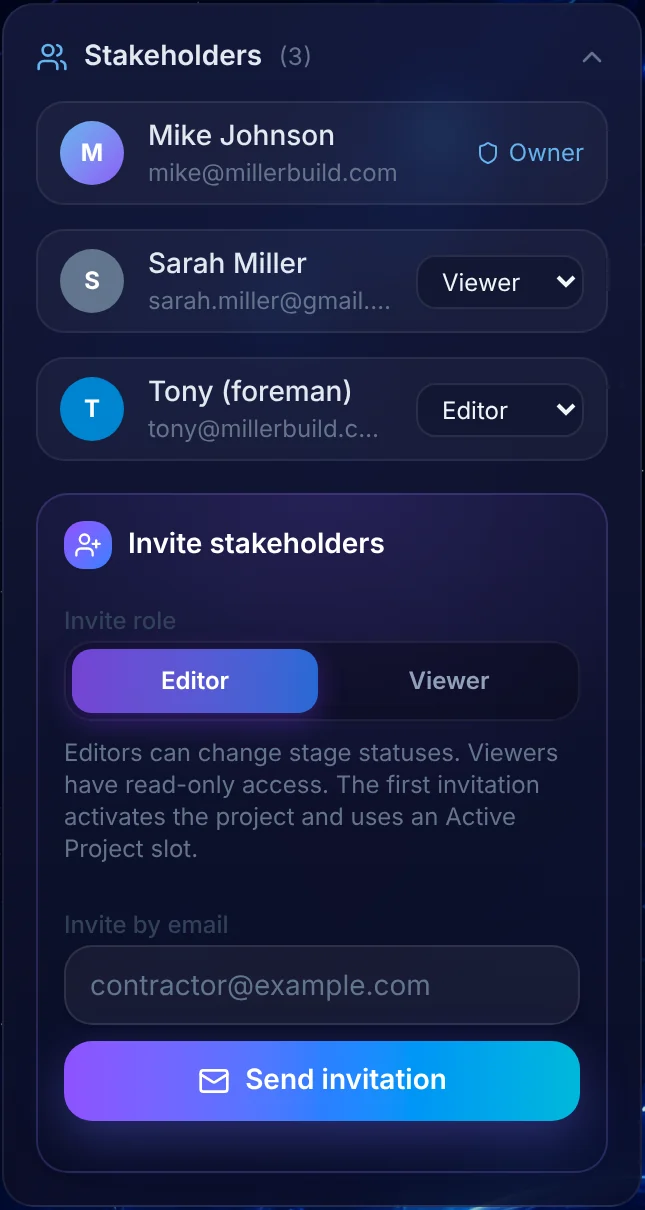
03Invite Stakeholders
Invite clients, managers, subcontractors, or simple observers. Everyone sees only what you share.
Project organized. Client informed. Team knows what to do next.
Statuses
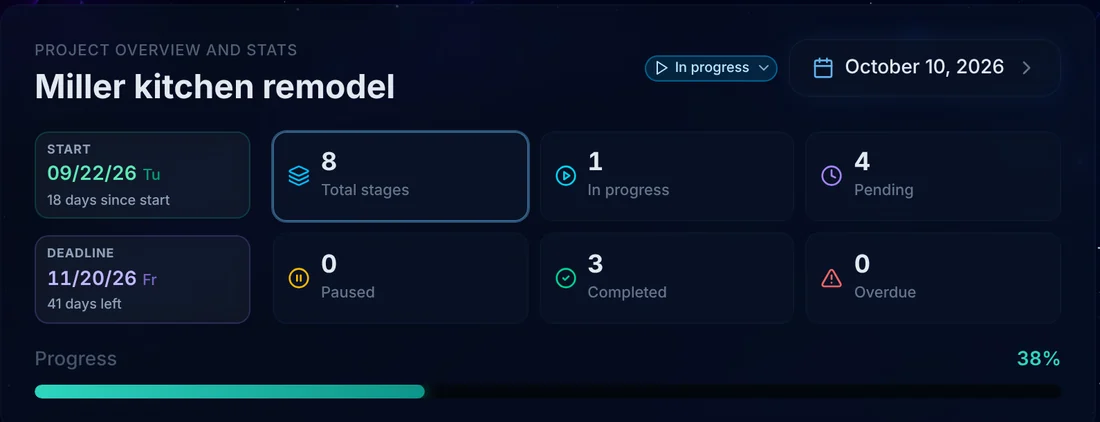
Three statuses. Zero confusion.
Pending
Not started or on hold
In Progress
Work is happening now
Done
Finished
Every time a stage moves, your client gets an email automatically.
Simple by design. No complicated workflows. Just clear status that everyone understands.
Features
Everything a job needs. Nothing it doesn’t.
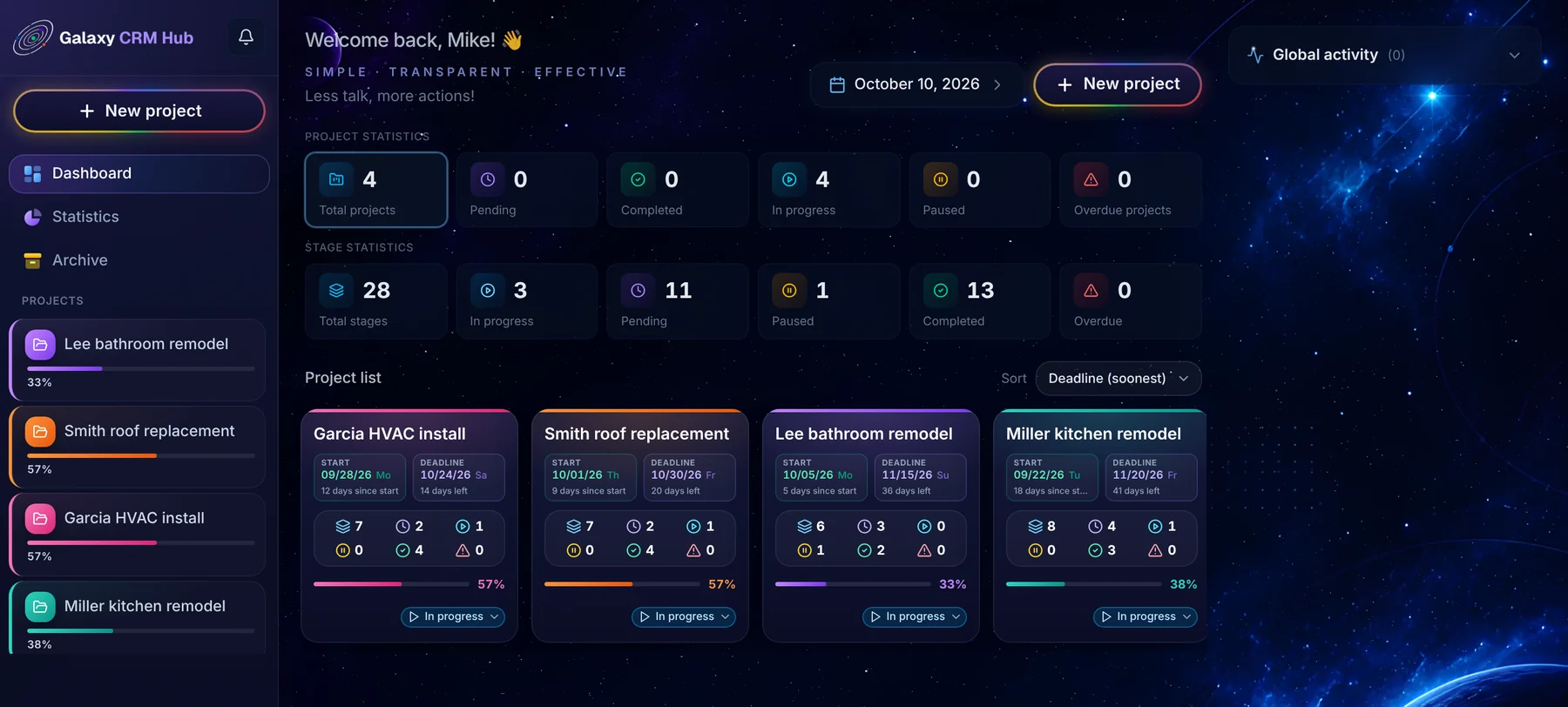
Live project board
Stages, deadlines, and statuses in one place.
Automatic client emails
Invites and stage updates send themselves.
Deadline alerts
Heads-up before something is due, and a nudge if it slips.
Payment milestones
Deposit and final payment built into every template.
Activity history
Who changed what and when.
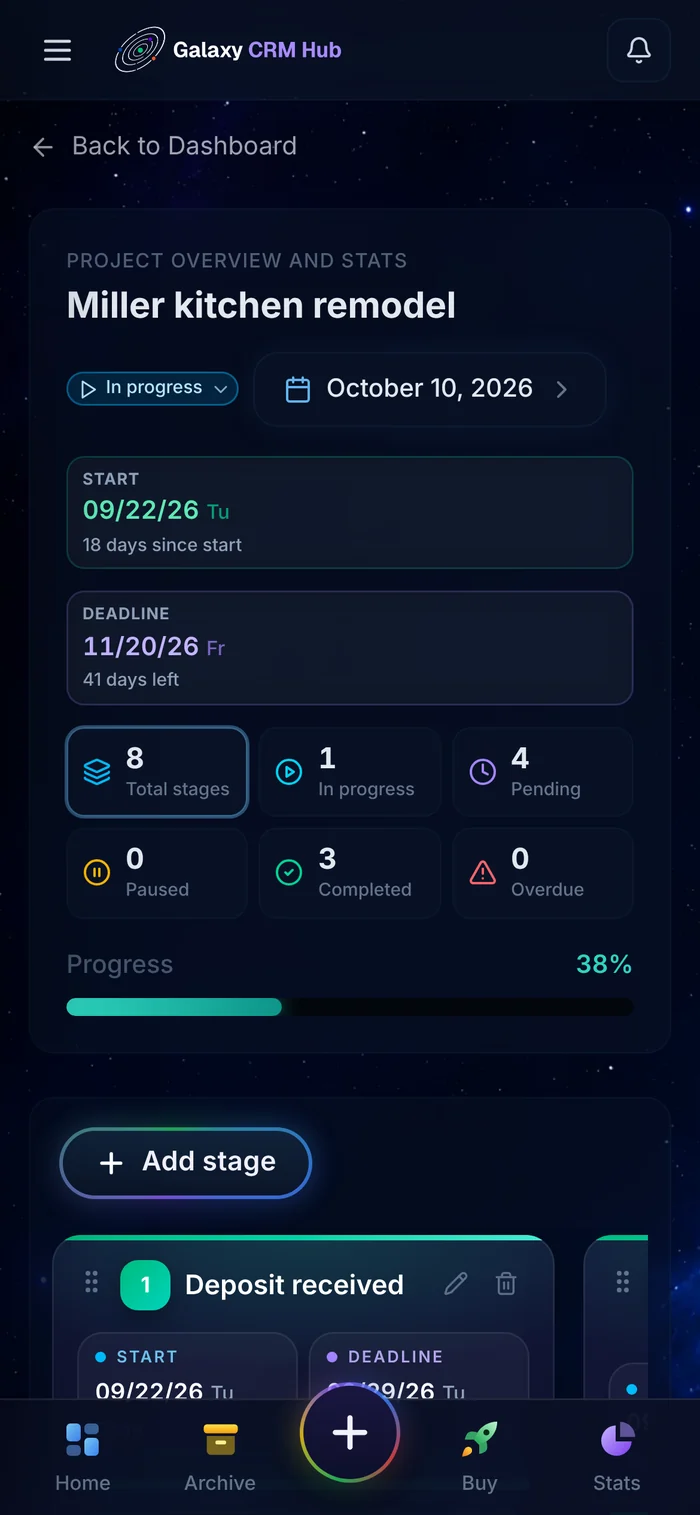
Works on any phone
No app to install, just the browser.
Client experience
Your client sees progress, not paperwork
What’s done? What’s happening now? What’s next?
One tap on the email opens the live board. Clients check the project themselves instead of calling you.
- Fewer status calls
- Higher client confidence
- Faster payments
Statistics
Know How Your Business Is Performing
Track completed jobs, on-time performance, active projects, and upcoming deadlines — all in one place.
This is business control, not just project management.
- How many projects you’ve completed
- Your on-time completion rate
- Active projects currently running
- Upcoming and overdue deadlines
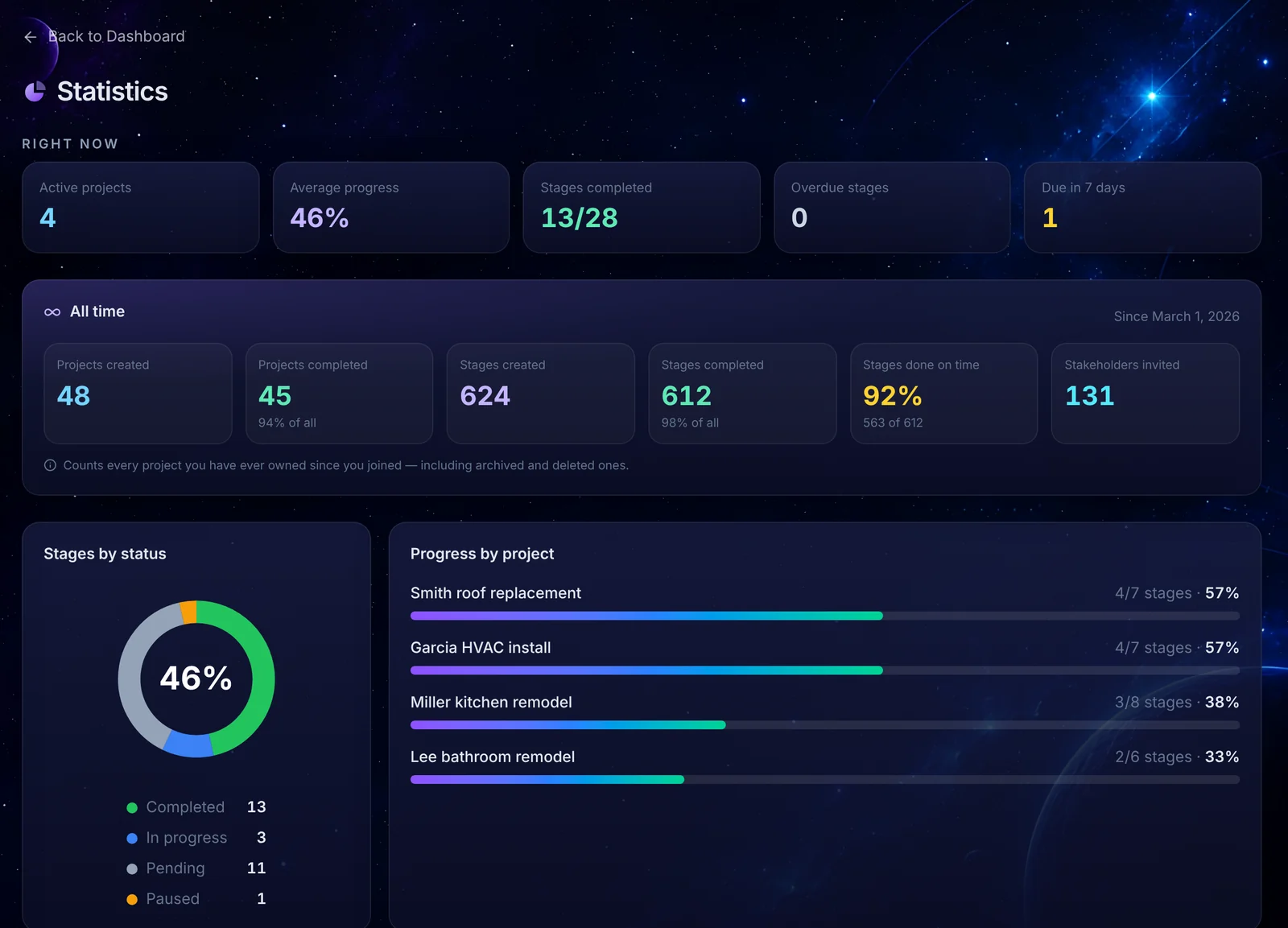
Everything on one screen. No spreadsheets.
Built for contractors
16 ready-made templates for your trade
Pick a template and you already have the right stage structure.


Pricing
Start free. Pay only when you need more.
Free
$0 forever
- 2 active projects
- Unlimited stages and stakeholders
- All 16 templates
- Automatic emails
- No credit card
Extra Active Project
$2 / project / 30 days
- Everything in Free
- Pay only for additional active projects
- No subscription, no contract
Finished or archived projects don’t count.
Get startedWhite-labelComing soon
Your logo, your colors, your domain.
Questions
Do my clients need an account?
No. They sign in with Google in seconds and only see the projects you invite them to.
Is it really free?
Yes. 2 active projects are free forever. Finished or archived projects don’t use up your slots.
What happens after 30 days on a paid project?
The project stays visible but is locked until you renew. Nothing is deleted.
Can I use my own stages?
Yes. Add, rename, reorder, or delete stages anytime.
Does it work on my phone?
Yes. Update a stage from the job site in one tap.
How do I pay?
By card through our secure payment provider.

Less talk, more action.
Give your next client a clear plan instead of another promise.
Show them exactly how you’ll deliver. Keep them informed as work progresses. Build trust one milestone at a time.
Start Free with Google2 active projects free forever · No credit card · Live in under 3 minutes